Humbot Review (2026): Volume Pricing, the Gibberish Complaints, and Who It's For

Independent review
Humbot
A volume-priced humanizer aimed at SEO teams with a big input cap and clear mode naming, undercut by a low Trustpilot score and recurring complaints about garbled output and billing.
Disclosure. I'm Huzefa Abbasi, founder of WriteHybrid, which competes directly with Humbot, so read this with that conflict in mind. The hands-on impressions below come from using Humbot myself; the pricing was verified against its live checkout in June 2026; and the reputation summary is drawn from publicly visible Trustpilot and Reddit reviews. This is editorial work, not a controlled benchmark, and I publish no bypass percentages, yours or mine, because detection turns on your specific text and the exact detector version it meets. Test your own draft before you rely on any of it.
What Humbot is, and who it's for
Humbot is built for volume. Its homepage speaks the language of SEO and agency teams pumping out blog content at scale, and its pricing, cheap per word, generous on monthly word counts, is shaped for exactly that buyer. The headline leads with a dual promise, "100% plagiarism-free and undetectable," and those are two separate claims wearing one badge. "Plagiarism-free" means the output doesn't match text that already exists in published sources. "Undetectable" means an AI detector scores it as human-written. They're not the same property, and no rewriter can truly guarantee either as an absolute, any tool will occasionally trip a plagiarism checker on common phrasing, and detector outcomes shift constantly. Bundling the two into a single guarantee is marketing convenience.
Underneath the badge sits a fast editor with three intuitively named modes, Light, Balanced, and Aggressive, and a large input cap. The mode naming is genuinely a strength: you're choosing editorial intensity, not decoding a detector-branded label, which is how most writers actually think. The tool fits a content team that needs cheap throughput and will edit the output. It fits a student writing a graded essay far less well, for reasons the reputation section makes clear.
Key features that actually matter
The homepage will tell you Humbot is powerful and effortless. Here's how it behaves on the dimensions that decide whether you'll renew after the first month.
Writing modes and tone control
The Light, Balanced, and Aggressive trio is the best thing about the product's design. Light makes minimal changes and keeps your meaning intact; Balanced is the sweet spot for blog copy, producing readable, varied prose; Aggressive rewrites hardest and is where the trouble starts. The naming maps cleanly to intent, more rewriting equals more risk, which beats competitors that label their modes after detectors and leave you guessing what "Turnitin mode" actually does to your sentences.
Input and word limits
The editor is genuinely roomy. It accepts both pasted text and file upload, with a cap around 30,000 characters, roughly 4,600 words, so even a long-form post or a chunky report fits in a single pass instead of being chopped into pieces. For long content that consistency is a real advantage, because you're not stitching tone back together across multiple runs. The monthly word allowances are large too, which is the whole point of the plan structure.
Free tier and trial
This is the weak spot. Humbot offers a 300-word lifetime trial, a single short section, gone in one go, and not enough to evaluate how the tool handles a full draft across different modes. Several independent reviewers flag the same thing: you can't properly validate the output on your own content before paying, which matters more here than usual given the reputation issues below.
API, bulk, and integrations
Humbot does offer an API and bulk document processing, but only on the $49.99 Ultra tier. That's the catch in the pricing: the workflow feature most SEO teams come for is reserved for the most expensive plan, so the cheap tiers everyone notices first don't include it. There's no Chrome extension and no WordPress plugin either, so if your publishing flow lives inside the CMS, Humbot stays a separate paste-and-copy step.
Editor experience
In day-to-day use the editor is quick and responsive, processing a short passage takes only a few seconds, and switching between paste and upload is painless. The interface is uncluttered. Where the experience sours is downstream of the click: as the reviews section details, a meaningful share of users report that the output itself needs heavy cleanup, which undercuts the time the fast editor saves.
Support and billing
This is the part to read carefully before you subscribe annually. Humbot's own marketing references a short money-back guarantee, but multiple reviewers describe a refund that's hard to claim once you've run more than a small amount of text, alongside difficulty cancelling subscriptions and slow or absent support replies. Treat the billing relationship as the riskiest part of the product and keep your own records of what you signed up for.
Hands-on: what the output actually reads like
In my own use, Balanced mode was the high point: it handled SEO blog tone well, producing copy that read naturally and varied its rhythm. Aggressive mode is where I'd be cautious. Pushed hard, the rewrite started trading accuracy for thoroughness, in a couple of marketing passages a specific year ("in 2024") softened into a vague phrase ("in recent years"), and a precise technical term got swapped for a longer paraphrase that quietly changed the meaning. That tracks with a recurring theme in third-party tests: Humbot leans on synonym substitution, and pushed too far it produces text that's been through a thesaurus rather than genuinely rewritten.
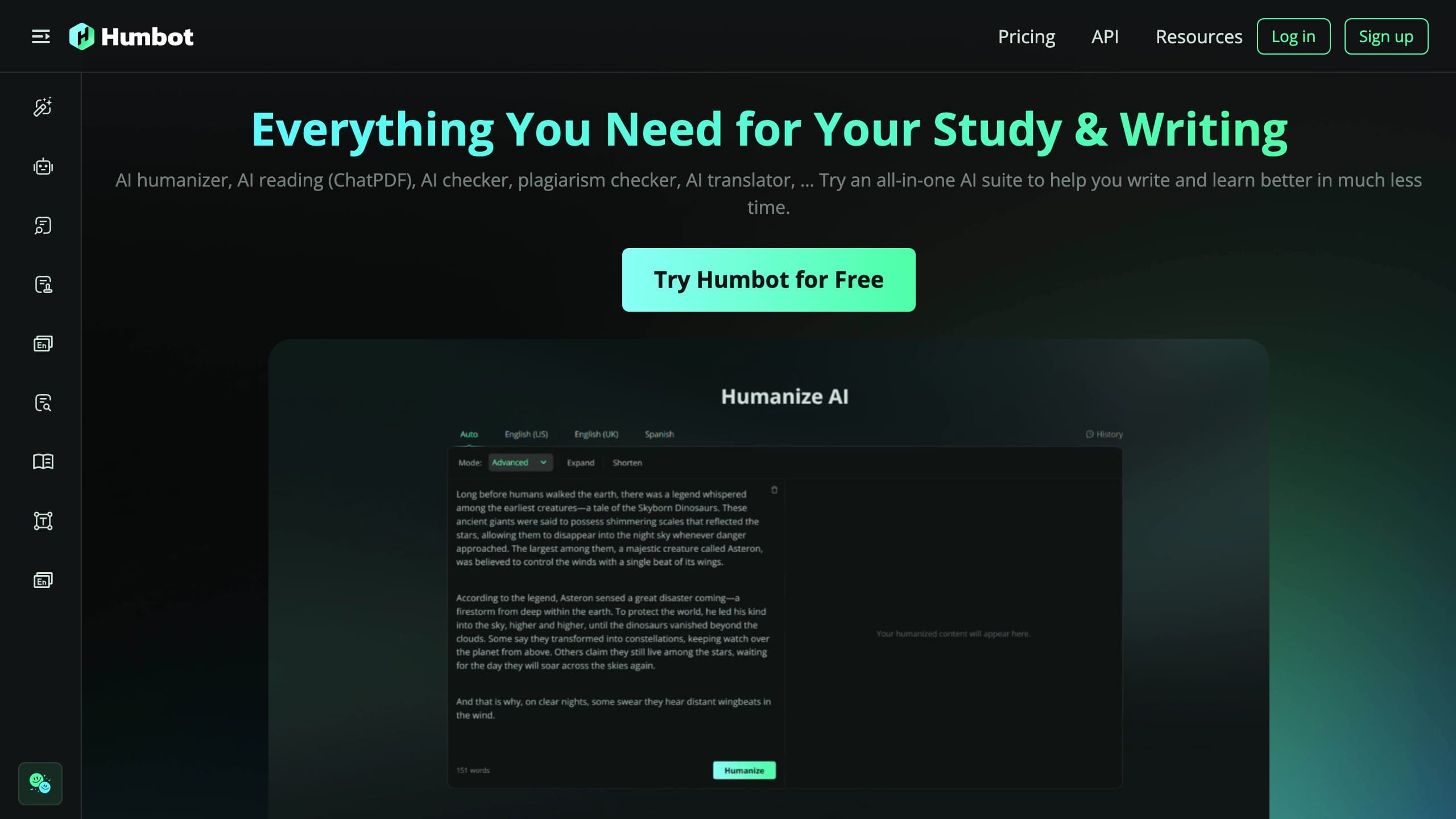
The sample below shows the kind of transformation Balanced mode produces on SEO blog copy. It illustrates the style, not a detection result:
A cheap, high-volume humanizer with sensible mode naming and a big input cap, undercut by a low Trustpilot score, garbled-output complaints, and bulk/API locked behind the top tier.
Best for: SEO and agency teams producing volume blog content who want low per-word cost, will edit the output carefully, and will verify detection on their own checker.
Pros
- +Very low per-word cost at volume across Basic, Pro, and Ultra tiers
- +Three intuitively named modes (Light, Balanced, Aggressive)
- +Large ~30,000-character cap with paste-or-upload input
- +Balanced mode reads well on SEO blog tone
Cons
- −Low Trustpilot score with recurring garbled-output and billing complaints
- −Aggressive mode can drift facts, dates and named entities shift
- −Bulk processing and API are gated to the $49.99 Ultra tier
- −Only a 300-word lifetime trial; no Chrome extension or WordPress plugin
Pricing (verified June 2026)
I checked Humbot against its live checkout in June 2026 and archived the page. Annual and monthly toggles show different headline numbers, so confirm the figure you'll actually be charged at checkout before subscribing.
| Plan | Monthly | Annual (effective) | Words / month | Bulk + API | Refund |
|---|---|---|---|---|---|
| Trial | Free | — | 300 words (one-time) | No | n/a |
| Basic | $9.99 | ~$6.99/mo | 50,000 | No | Short window |
| Pro | $19.99 | ~$13.99/mo | 150,000 | No | Short window |
| Ultra | $49.99 | ~$34.99/mo | 600,000 | Yes | Short window |
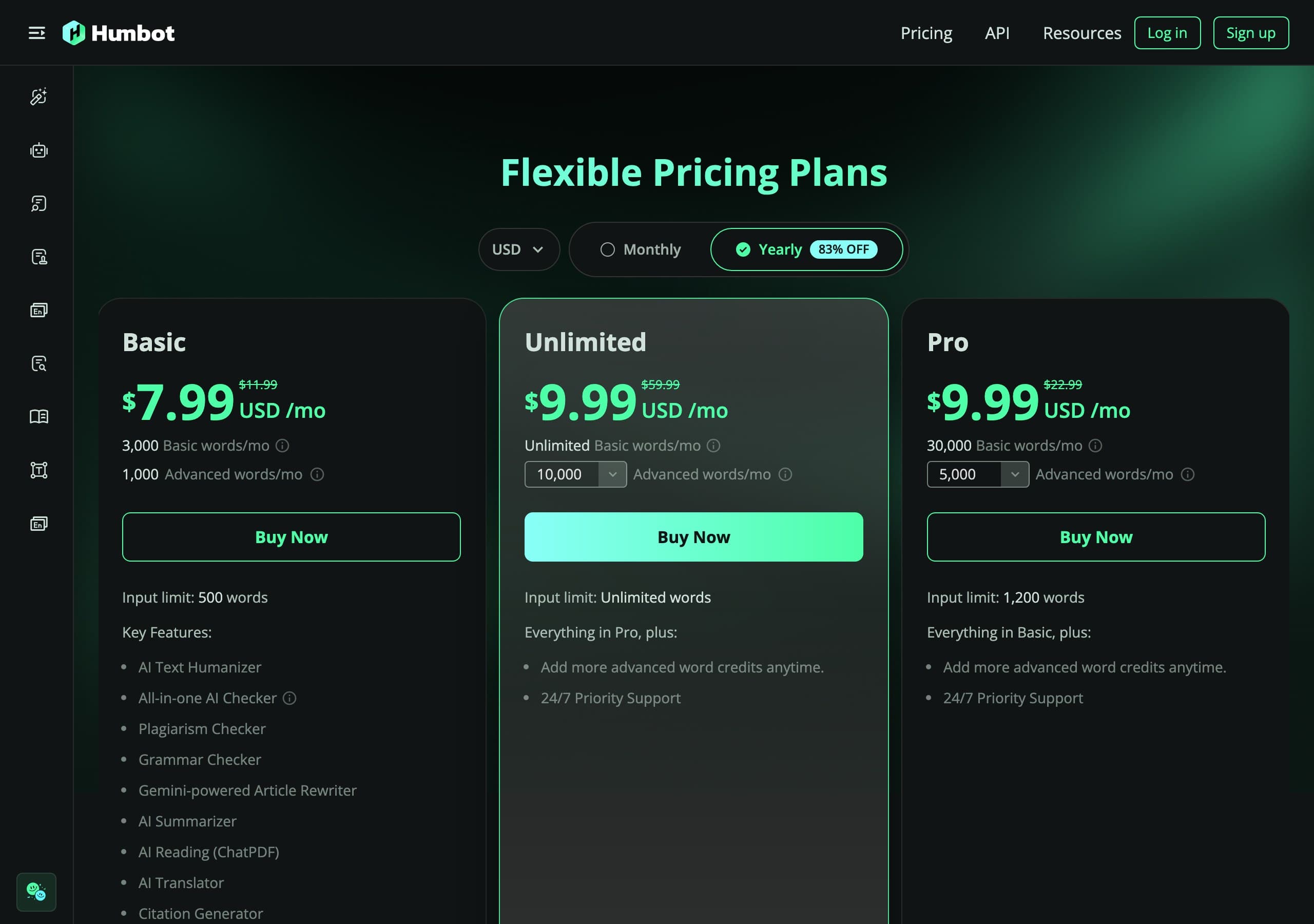
On raw per-word cost, Humbot is among the cheapest in the category at volume: Basic's $9.99 for 50,000 words is about $0.0002 per word, and Ultra's $49.99 for 600,000 words drops to roughly $0.00008 per word, fractions of a cent either way. That's the genuine appeal for a content shop. The structural catch is the upsell: bulk document processing, the very feature a volume team is shopping for, only appears on the $49.99 Ultra plan, so the headline-cheap tiers don't include the workflow that made you look. Factor that in before you anchor on the $9.99 number.
How to use Humbot for the best results
Given the output's known rough edges, the process matters more here than with a gentler tool:
- Start in Balanced, not Aggressive. Balanced is the reliable mode for readable blog copy. Reach for Aggressive only when a passage is being stubbornly flagged, and expect to repair it afterwards.
- Reread every factual sentence. Dates, statistics, names, and technical terms are exactly what Aggressive mode tends to distort, so check them against your source rather than trusting the rewrite.
- Run your own plagiarism check if it matters. "100% plagiarism-free" is a claim, not a guarantee, if originality is a hard requirement, verify it with a checker you trust rather than the bundled badge.
- Use the large cap, but proofread the whole thing. Pasting a long post in one pass keeps tone consistent, but the longer the output the more synonym artifacts you'll need to catch.
- Verify on the detector your audience uses. Humanize your real draft, then run the output through the specific checker, Turnitin, GPTZero, Originality.ai, Copyleaks, that your client or institution relies on, because that's the only result that counts.
What real users say about Humbot
I read through Humbot's public Trustpilot profile and Reddit threads to test my own impressions against a larger sample, and the gap between the marketing and the reviews is hard to ignore. At the time of writing, Humbot sits at roughly 2.4 to 2.7 stars on Trustpilot across somewhere between 60 and 90 reviews (the exact figure varies by which regional Trustpilot profile you land on and when you check), which Trustpilot labels in the "Poor" to "Average" band.
What the satisfied minority tends to praise:
- It's fast and easy for casual rewriting, and several Reddit users say it works well enough for making everyday posts sound less robotic.
- The free word limit gets mentioned as a useful way to sample the tool before paying.
- Balanced mode, specifically, draws more positive comment than the heavier settings.
The recurring complaints are more striking, because the same issues surface from different reviewers:
- Garbled output: multiple reviewers describe getting "gibberish", random or misspelled words, stray capital letters mid-sentence, and synonym swaps that break meaning, sometimes after paying.
- Detection misses: several users report that humanized text still came back flagged as AI when they ran it through detectors like ZeroGPT or Originality.ai, despite the "undetectable" promise.
- Billing and refund friction: the most serious pattern. Reviewers describe charges continuing after attempts to cancel, a refund that's effectively void once you've used more than a small amount of text, and support that's slow or unresponsive, with at least one account of an unexpected large charge after an annual purchase.
None of this means Humbot can't be useful, plenty of people get acceptable casual-content results from it. But if you're a student with a graded submission or a business handing over card details for an annual plan, the billing reports and the garbled-output complaints deserve real weight before you commit.
The detector landscape shifted in late 2025, and it matters here
This category isn't static, and Humbot's reputation reflects that. Turnitin shipped a detector update in late August 2025 that specifically targeted humanizer output patterns, and tools across the board, Humbot among them, per its own user reviews, produced less consistent results afterward. GPTZero, Originality.ai, and Copyleaks each iterate on their own schedules too. So any "Humbot beat detector X" anecdote is a snapshot of one moment against one detector version. By the time you paste your own draft, the checker may have moved on, which is precisely why I send you to test your real text rather than trust a frozen claim.
Detection: what we can and can't tell you
Now the part the marketing pages skip. Humbot markets itself on beating every major detector, but detection outcomes vary enormously with the exact text, its length, the topic, and which detector, and which version, runs the check. Independent tests of Humbot reflect that spread: it tends to fare better against some checkers and noticeably worse against stricter ones, and results degrade on long or technical content where there's less room to vary sentence rhythm naturally. I can't promise a result for your draft, and I won't publish a percentage I didn't measure under controlled conditions.
Two honest cautions from using it. First, the "100% plagiarism-free" line is not a guarantee any rewriter can make, run your own plagiarism check if that matters. Second, Aggressive mode's tendency to drift facts means the setting most likely to fool a detector is also the one most likely to introduce an error, so always reread factual content. If your work goes through an institutional checker, the only number that matters is the one you generate yourself on your own draft.
Who should use Humbot
- SEO and agency teams producing high blog volume who want the lowest per-word cost and have an editor reviewing output anyway.
- Writers who value clear mode naming and a large input cap for long posts in a single pass.
- Users genuinely ready to pay for Ultra if they need bulk processing or the API.
Who should skip it
- Anyone publishing fact-sensitive content who can't absorb Aggressive mode's drift or the garbled-output risk.
- Buyers who expected bulk processing on a cheap plan, it's reserved for the $49.99 Ultra tier.
- Students with graded submissions for whom the billing-and-refund complaints are a dealbreaker, and anyone needing a Chrome extension or WordPress integration (neither exists).
How to get the most natural output
Whichever humanizer you use, a few evergreen habits do more for naturalness than any single tool setting:
- Edit the rewrite, don't ship it raw. A quick manual pass, fixing a stray capital, restoring a precise term, varying sentence length, beats re-running the humanizer repeatedly.
- Let rhythm vary. Uniform sentence length and uniform tone are themselves tells; mix long and short, formal and plain.
- Guard your facts and citations by hand. Synonym-swapping rewriters are exactly the kind that quietly alter a date or loosen a technical term.
- Cross-check across detectors. GPTZero, Turnitin, and Originality.ai disagree routinely; passing one is not passing all.
- Read it aloud before submitting. It's the fastest way to catch the thesaurus artifacts and broken meaning that Humbot's heavier modes can introduce.
Frequently asked questions
Related reading
Tools worth comparing
Try WriteHybrid on your text
Paste AI-generated copy below. 500 humanized words free every month after signup.
Was this page helpful?
Your feedback helps us improve our testing write-ups.